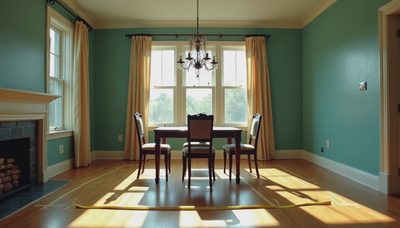
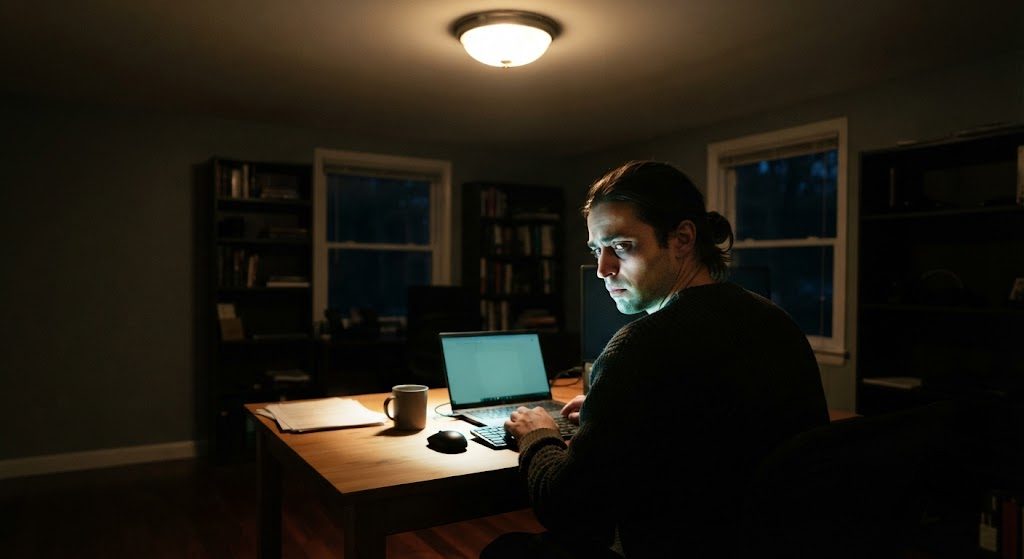
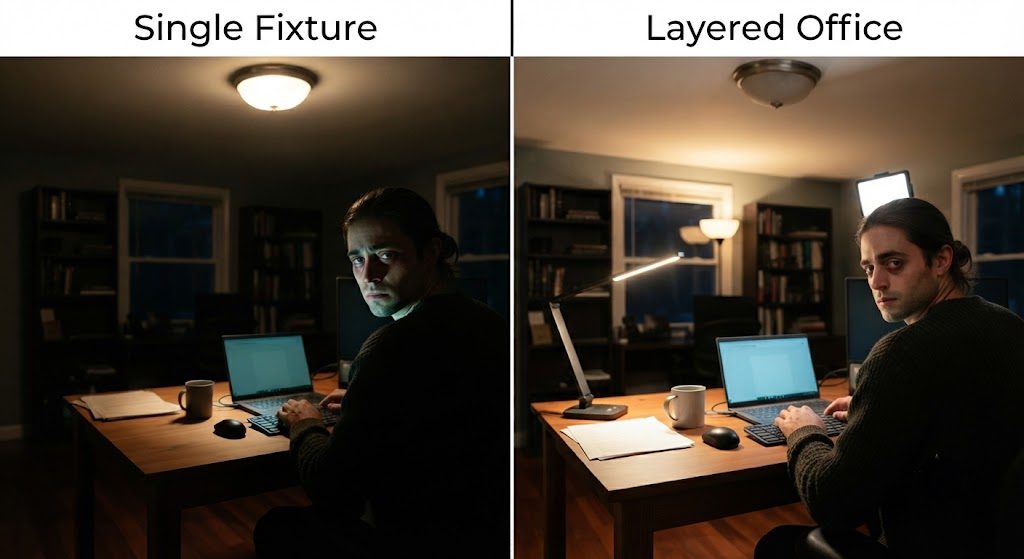
Home offices went from optional to essential almost overnight, but the lighting in most of them hasn't caught up. You're sitting under the same flush-mount ceiling fixture that was there when the room was a guest bedroom. The light comes straight down, bounces off your monitor, throws shadows across your keyboard, and makes you look like a witness protection participant on every video call.
Bad office lighting isn't just an aesthetic problem. It causes eye strain, triggers afternoon fatigue, and degrades your appearance in the one meeting format where everyone is staring at your face. The fix doesn't require a gut renovation. It requires understanding what your eyes and your webcam actually need.
Why a Single Overhead Fixture Fails an Office
A ceiling light in the center of the room does three things wrong for desk work, and each one compounds the others.
Screen Glare and Eye Strain
Overhead light shining down onto a glossy or semi-gloss monitor creates a wash of reflected brightness that forces your eyes to fight two competing light sources simultaneously — the screen's own output and the ceiling light bouncing off it. Your pupils constrict and dilate constantly trying to balance the two. After a few hours, that's a headache. After a few years, that's chronic eye fatigue.
The solution isn't more light from above. It's removing the light that hits the screen surface directly and replacing it with light that hits your desk and the room without crossing the monitor's angle of reflection.
The Video Call Disaster
A single overhead fixture turns your face into a topographic map of unflattering shadows. Brow bone shadows darken your eyes. The nose casts a shadow across your upper lip. Your chin disappears into your neck. This is the same facial lighting problem I described in the bathroom lighting guide — the physics is identical, but now a dozen colleagues are staring at the result in a grid on their screens.
What a webcam needs is frontal light — illumination that hits your face straight on or from slightly above, filling in shadows and rendering skin tones evenly. The ceiling is the worst possible direction for that light to originate.
The Energy Drain
There's a subtler problem. A single overhead light creates a bright desk surrounded by dark walls. Your monitor is another bright surface. The high contrast between bright work zone and dark room periphery tires your eyes and, research suggests, your brain. Afternoon fatigue hits harder in a room with poor ambient light because your visual system is working overtime just to manage the brightness range in front of you.
Building a Three-Layer Office
The same layering framework that works in every other room applies here — but the priorities shift. In a home office, task light leads, ambient fills, and accent provides the finishing touch.
Task Layer: The Desk Light Done Right
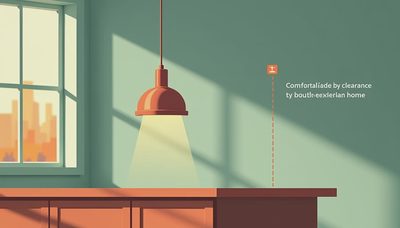
A desk needs dedicated task light, but not from just any lamp. An adjustable arm desk lamp with an opaque shade lets you direct light exactly onto your keyboard, notebook, or reading material without spill hitting your monitor. Position the lamp to the left if you're right-handed, right if you're left-handed — you want the light coming from the side of your non-dominant hand to avoid casting shadows across your work.
The color temperature should match your work rhythm. 3000K is warm enough for comfort, cool enough for focus. Some tunable-white fixtures let you shift from 2700K in the early morning to 4000K when you need maximum alertness. If you only pick one temperature, 3000K is the sweet spot for a room you'll use at all hours.
Ambient Layer: Fill the Background
The ambient layer needs to reduce contrast between your bright monitor and the surrounding walls. A recessed wall-wash or a floor lamp bouncing light off the wall behind your desk eliminates the dark void behind your screen that makes your eyes work harder with every glance away from the monitor. Keep it on a separate dimmer and set it to about 30 to 40 percent of the task light brightness — enough to lift the shadows without competing.
Accent Layer: The Video Call Light
For video calls, you need one additional element: a small, dimmable LED panel or ring light positioned directly behind or just above your webcam. This provides frontal illumination that fills facial shadows without blinding you. Keep it dim — just bright enough to separate you from the background. The goal is to look like you're sitting in a well-lit room, not like you're about to deliver the evening news.
Put It on Separate Circuits
Wire the task, ambient, and video light on separate switches or smart plugs. A full workday cycles through different lighting needs — bright and focused in the morning, softer after lunch, dark ambient for deep-focus work where the screen is the only light source. One switch for the whole room locks you into a single mode. Three circuits give you a room that adapts.
The home office is where you spend more consecutive waking hours than any other room in the house except the bedroom. Light it with the same intention you'd light a kitchen or living room. Your eyes and your career will thank you.