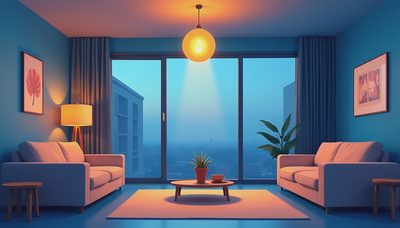
Smart home automation is most useful when it improves the way a room feels, not when it simply adds another app to your phone. In my lighting work, I see homeowners begin with a question about connected bulbs and end up discovering a larger issue: their rooms lack layers. A ceiling fixture, a floor lamp, and a bright strip of downlights cannot create the same atmosphere, even when all three are controlled from one screen.
The goal is a lighting system that responds naturally to daily life. Morning light should help you wake up, kitchen counters need clear visibility, and a living room should settle into a softer mood after dinner. Good smart home automation makes those transitions simple while preserving the optical qualities that matter: direction, brightness, color temperature, glare, and shadow.
Start with the lighting, not the gadgets
Before choosing a hub or wireless switch, walk through each room after sunset. Notice where your eyes feel comfortable and where they strain. Is the sofa illuminated, or is the only bright spot the ceiling? Can you see food clearly on the counter? Does a hallway feel safe without looking like a parking garage?
This exercise reveals the three layers of residential lighting. Ambient light provides general visibility. Task light serves a specific activity, such as chopping vegetables or reading. Accent light draws attention to artwork, cabinetry, a textured wall, or architectural detail. Smart home automation can coordinate all three, but it cannot correct poor fixture placement by itself.
For example, a kitchen with six evenly spaced recessed lights may be bright yet uncomfortable. The cabinet doors and your own head can cast shadows across the counters. A better plan might combine a modest ceiling layer, under-cabinet linear lighting, and a pendant over an island. The control system then adjusts those sources independently instead of dimming one blunt layer up and down.
When planning a renovation, mark fixture locations on the reflected ceiling plan and identify each control zone. A four-foot change in a recessed light’s position can determine whether the beam lands on a countertop or the top of someone’s head. Automation should follow that lighting logic.
Choose color quality before connectivity
A connected bulb with poor light quality is still poor light. Look for a color rendering index, or CRI, of 90 or higher in areas where you judge finishes, food, skin tones, and artwork. CRI is not a complete measurement of visual quality, but it is a useful starting point. A high-CRI source generally makes a painted wall or wood cabinet appear closer to the designer’s intended color.
Color temperature also changes the emotional reading of a room. Around 2700K feels warm and residential, while 3000K is a little cleaner and often works well in kitchens and bathrooms. Tunable-white fixtures can shift between these ranges, but a wide adjustment range is not automatically better. If a fixture produces uneven color or noticeable flicker, more settings only make the problem harder to manage.
I usually prefer fixed, high-quality 2700K or 3000K fixtures for most homes, with tunable options reserved for rooms that genuinely need flexibility. A bedroom, dining room, or living room often benefits more from smooth dimming and good diffusion than from changing color every evening. Smart home automation should support a calm visual environment rather than encourage constant experimentation.
Build scenes around real activities
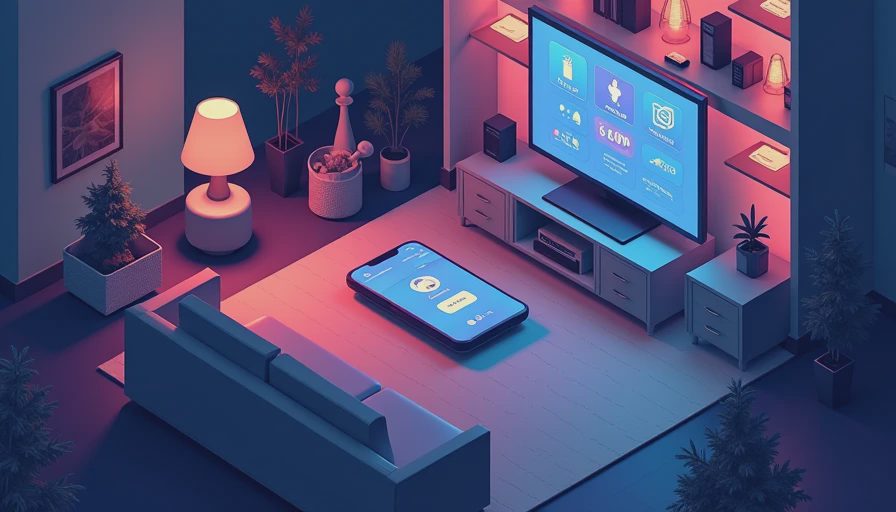
A scene is a stored combination of light levels, fixture groups, and sometimes color settings. “Dinner” could set the dining pendant to 55 percent, lower the kitchen ambient layer to 20 percent, and leave a warm accent light on a nearby shelf. “Movie” might turn off reflective sources near the television while keeping a low pathway light behind the sofa.
The strongest scenes are named for actions, not technology. Try Morning, Cooking, Cleaning, Reading, Entertaining, and Night Path. Each should solve a real transition that currently requires several switch presses. A scene that turns every light on at full output is not intelligent; it is merely convenient for finding a dropped key.
Use occupancy sensors carefully. They are excellent in laundry rooms, closets, bathrooms, and hallways, but an automatic shutoff can be irritating in a living room where someone is sitting quietly. A vacancy sensor, which turns lights off after detecting that a space is empty, may work better than an occupancy sensor in that situation. Smart home automation should respect how people occupy a room, including stillness.
Select a control platform with a fallback
There are several ways to build connected lighting. Systems from Lutron, Philips Hue, Leviton, and other manufacturers serve different priorities. Lutron is often selected for dependable dimming and dedicated controls. Philips Hue offers flexible lamps and color effects, especially where replacing a wall switch is difficult. Leviton and similar lines can be practical when connected switches need to fit existing electrical boxes.
The important question is not which brand has the most features. Ask what happens when Wi-Fi is unavailable, the phone battery is dead, or a guest walks into the room. A physical switch should still operate essential lights. For a new build or major renovation, a wired control backbone is often worth considering because it can be more predictable than relying entirely on wireless signals.
Confirm neutral-wire requirements, box depth, load compatibility, and dimmer ratings before purchasing. Some LED fixtures do not dim smoothly with every control. Flicker, buzzing, or a low-end cutoff can appear only after installation. A lighting professional or qualified electrician can test the actual fixture and dimmer combination rather than guessing from product photos.
Use automation to protect comfort and energy
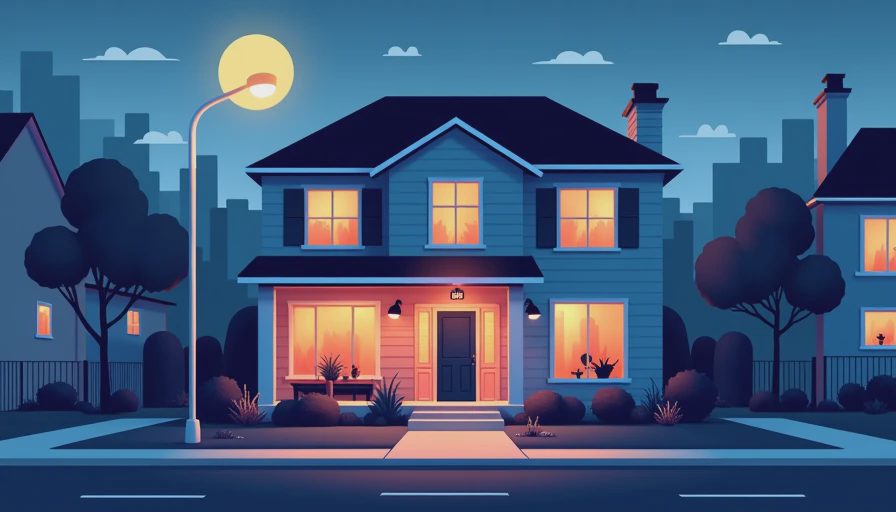
Automation can reduce waste without making the home feel computerized. Set porch and landscape lights to follow sunset, then turn them down or off at a reasonable bedtime. Use occupancy control in a pantry or mudroom. Add a gentle overnight pathway level in a hall instead of leaving a bright fixture on all night.
Daylight sensors can also help near large windows. If afternoon sun is already lighting a room, the system can reduce electric light in that zone. However, do not chase tiny energy savings by allowing lights to dim while someone is trying to read. Visual comfort has value, and a well-lit task often prevents the need for every other fixture to run at a higher level.
Keep the system understandable. Give switches clear labels during the first month, then remove labels once muscle memory develops. Create a manual override for every important space. Document the circuit, fixture, and control assignments in a simple house file so a future homeowner, electrician, or remodeler can troubleshoot without opening every wall.
A practical starting plan for your home
Begin with one room, preferably the kitchen, primary living room, or main hallway. Photograph the room at night, sketch its existing fixture locations, and list the activities that happen there. Next, separate the lights into ambient, task, and accent groups. Improve beam direction and glare before connecting anything.
Then choose one control method and test it with the exact fixtures you plan to install. Program three useful scenes rather than fifteen novelty effects. Live with the setup for a week and note what still feels inconvenient. This process costs less than automating an entire house before discovering that the controls do not match your habits.
Smart home automation works best when it becomes nearly invisible. You enter, the right layer is present, and the room feels balanced without demanding attention. If you are renovating, invest first in fixture quality, circuit planning, and layered design. Add sensors and schedules after those foundations are sound. The result will be more comfortable, easier to use, and far more satisfying than a collection of connected bulbs competing for your phone’s attention.